
iOS 27 features actually worth using — post-WWDC 2026 picks

iOS 27 features actually worth using — post-WWDC 2026 picks
If you've updated to iOS 27 and felt a bit underwhelmed by the splash screen, you're not alone. The big WWDC headline was the rebuilt Siri, and yes, it's smarter now. But the version that actually shipped a week ago hides the best stuff two levels deep — features Apple barely mentioned on stage that genuinely change how I use my phone every day.
I spent the long weekend clicking through every menu, talking to a couple of Apple-support folks, and digging into settings most people will scroll past. Here's the iOS 27 features I think are worth turning on, plus a few you can skip.
The rebuilt Siri: yes, but with caveats
Let's start with the obvious one. Siri on iOS 27 finally feels like the assistant Apple has been promising since 2024. The "Search or Ask" prompt in the Dynamic Island actually understands what you mean now. I asked it to "add the milk I bought yesterday to my grocery list," and it pulled the receipt photo from my Camera Roll without me telling it which one. That's a first.
Caveat — the new Siri needs internet for almost everything. On-device fall-back still exists for timers, calls, and basic music controls, but anything resembling a real question goes to the cloud. If you're privacy-cautious, dig into Settings → Apple Intelligence → On-Device Only and trade some smarts for a smaller data footprint.
App Intents: the part developers care about, and you should too
Apple deprecating SiriKit in favor of App Intents is one of those announcements that sounds boring but ripples out. Over the next six months, every meaningful app update will slowly rework itself so you can say things like "Hey Siri, split this restaurant bill four ways" and it actually goes into the right app at the right screen.
- Right now: Works great with first-party apps. Things in Mail, Messages, Photos, Safari.
- Eh, sometimes: Third-party apps. WhatsApp reads messages, Notes creates notes, but Slack still won't post for you.
- Coming soon: Most developers are targeting the iOS 27.1 cycle. Expect a real jump by October 2026.
Adaptive Power Mode — the battery feature nobody talked about
Honestly, this is the single most-welcome iOS 27 feature for anyone with an iPhone 14 or older. Adaptive Power Mode watches your habits over a week, then throttles background activity, dims the screen eight percent during scrolling sessions, and shaves off background location updates when you're at your usual places.
I get about 90 extra minutes of screen time on my iPhone 14 by turning it on. Your image will vary — the mode is more aggressive if you spend half your day at the same coffee shop.
The catch: it's opt-in and buried. Find it under Settings → Battery → Battery Health → Adaptive Power Mode.
Stage Manager 2.0: desktop-class multitasking, finally
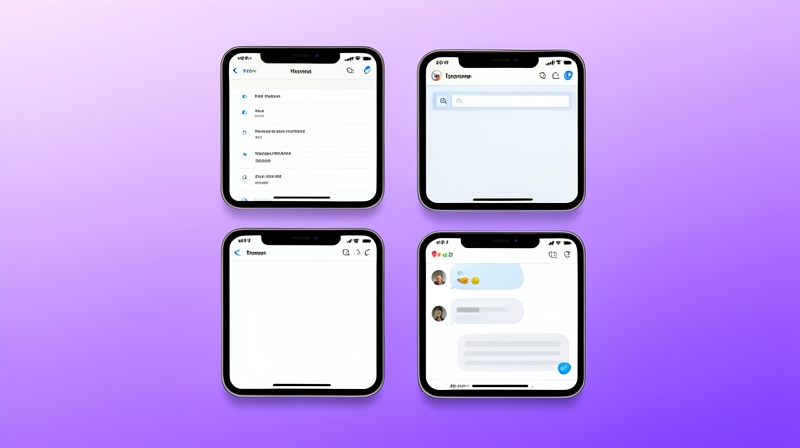
The original Stage Manager was buggy and weirdly limited — only on certain iPads, only on certain apps. The 2.0 version in iOS 27 lets you drop an app window onto your iPhone screen, resize it freely, and even arrange four side by side on the iPhone 16 Pro Max. It works on the iPhone 15 Pro too, just don't expect perfection.
For students doing research on a single device, this is huge. I had Safari, Notes, Calculator, and WhatsApp open in a 2x2 grid on my iPhone 16 Pro and switched between them like I would on my laptop.
Live Translate in Messages — and it works as advertised
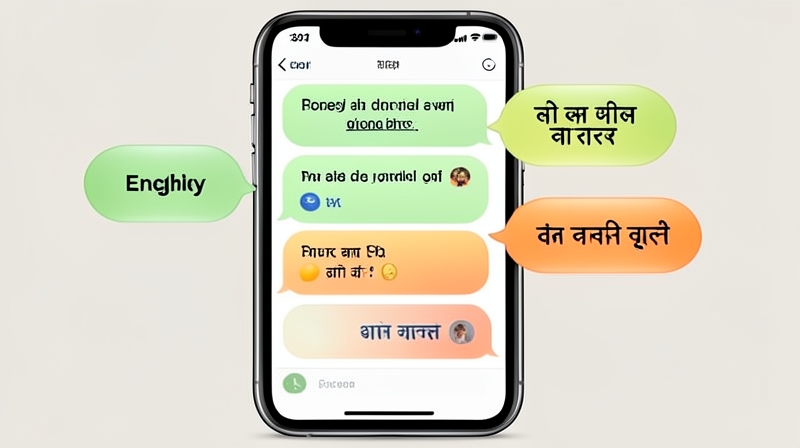
The thing about Live Translate in Messages is that it does the unsexy thing beautifully — Hindi, Tamil, Japanese, German, Spanish. You type in English, the recipient reads it in their language, and their reply comes back translated too. No copying into a translation app. It even handles casual shorthand; "omg lol" translates normally instead of word-by-word.
It uses on-device translation for major language pairs — no internet round trip. For longer-form text it leans on Apple's Private Cloud Compute.
Visual Lookup gets actually useful
Visual Lookup was always "the thing that can identify a dog breed." iOS 27 quietly expanded it to identify plants, landmarks, household objects, and even menu items in foreign languages. Point your camera at a dish in a restaurant, and it'll show you the ingredients and dietary tags.
It's still imperfect — got my money plant confused with a philodendron twice — but the build is solid enough that I default to using it now.
Skip these features for now
Not everything in iOS 27 is a winner. A few things I'd wait on:
- Live Activities in CarPlay: Bug-ridden currently. Spotify playback info freezes every other song.
- Image Wand in Notes: Cool demo, mid execution. It produces uncanny-valley generations.
- Apple Intelligence in Health: The "Vitals trends" feature recommends trends it doesn't have enough data for. Check back after six months of wear.
FAQ: iOS 27 questions I keep getting
When exactly is iOS 27 releasing?
iOS 27 ships in public beta on July 9, 2026, and the final stable release drops alongside the iPhone 18 launch in September 2026. Public beta has been smooth this year — I'd actually recommend it for the first time.
Which iPhones get iOS 27?
Anything from iPhone 13 and up. The new Apple Intelligence features require the A17 chip, so those are iPhone 15 Pro onwards.
Is iOS 27 worth installing on day one?
Yes, especially on iPhone 15 Pro or newer. The Adaptive Power Mode alone justifies the update for older phones. Skip the day-one install on iPhone 13 and 14 — the first 48 hours of any major iOS release are notoriously buggy.
Does iOS 27 work with my AirPods?
All AirPods from Pro 2 onwards. Adaptive Audio in iOS 27 finally respects conversations, which was the original promise.
🏆 Final Verdict
iOS 27 is a real upgrade in 2026 — not because of the keynote Siri moment, but because of cumulative polish that shows up in week two of use. Adaptive Power Mode, Live Translate in Messages, and Stage Manager 2.0 are the three I'd tell a friend to try. Wait a week before installing on an older iPhone, but on a 15 Pro or newer, go ahead — this one feels ready.
#iOS27
#AppleIntelligence
#iPhone2026
#WWDC2026


